
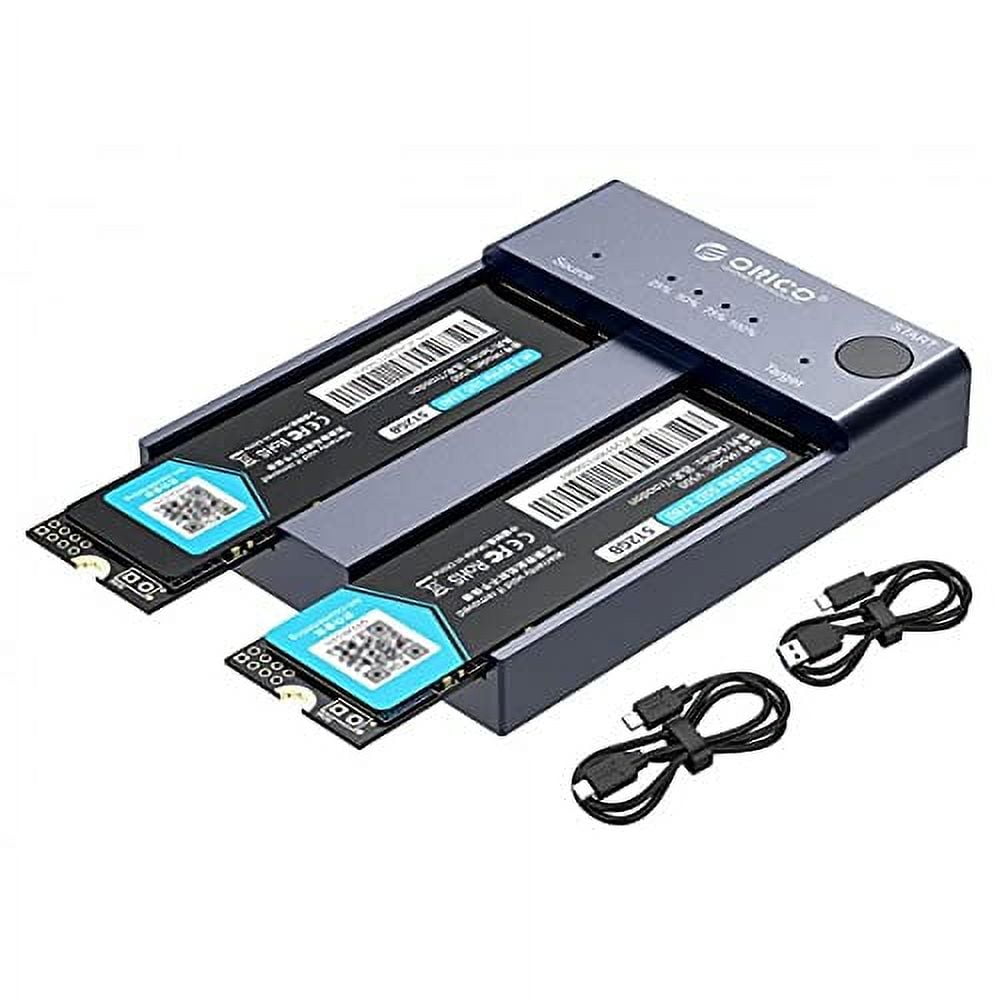
ORICO NVMe M.2 SSD Enclosure Clone Dual-Bay Offline Cloner Duplicator 10Gbps USB C to NVMe m.2 Docking Station for PCIe M-Key SSDs-Max 8TB(2*4TB)
Product details
| Management number | 230458133 | Release Date | 2026/06/18 | List Price | US$40.00 | Model Number | 230458133 | ||
|---|---|---|---|---|---|---|---|---|---|
| Category | |||||||||
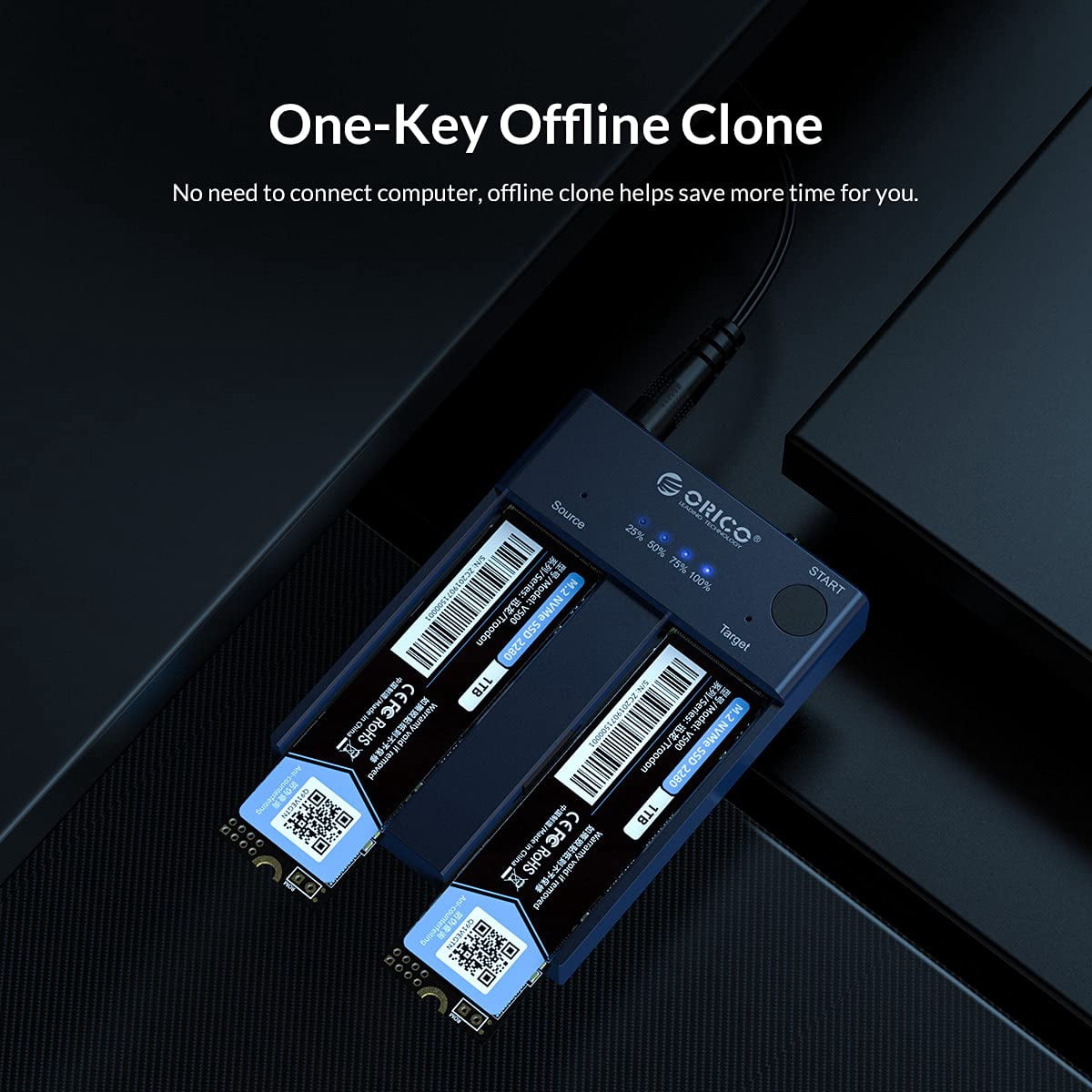
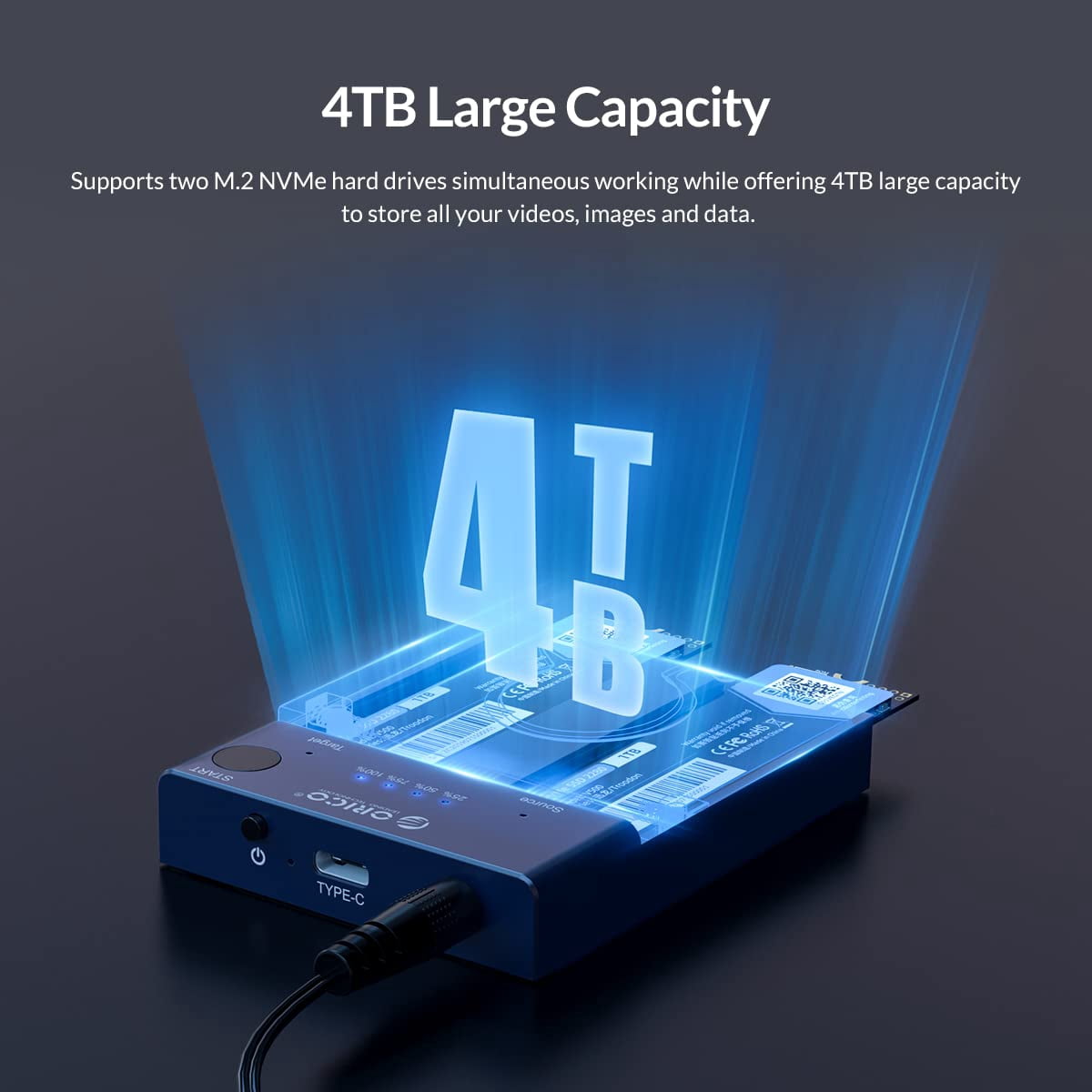
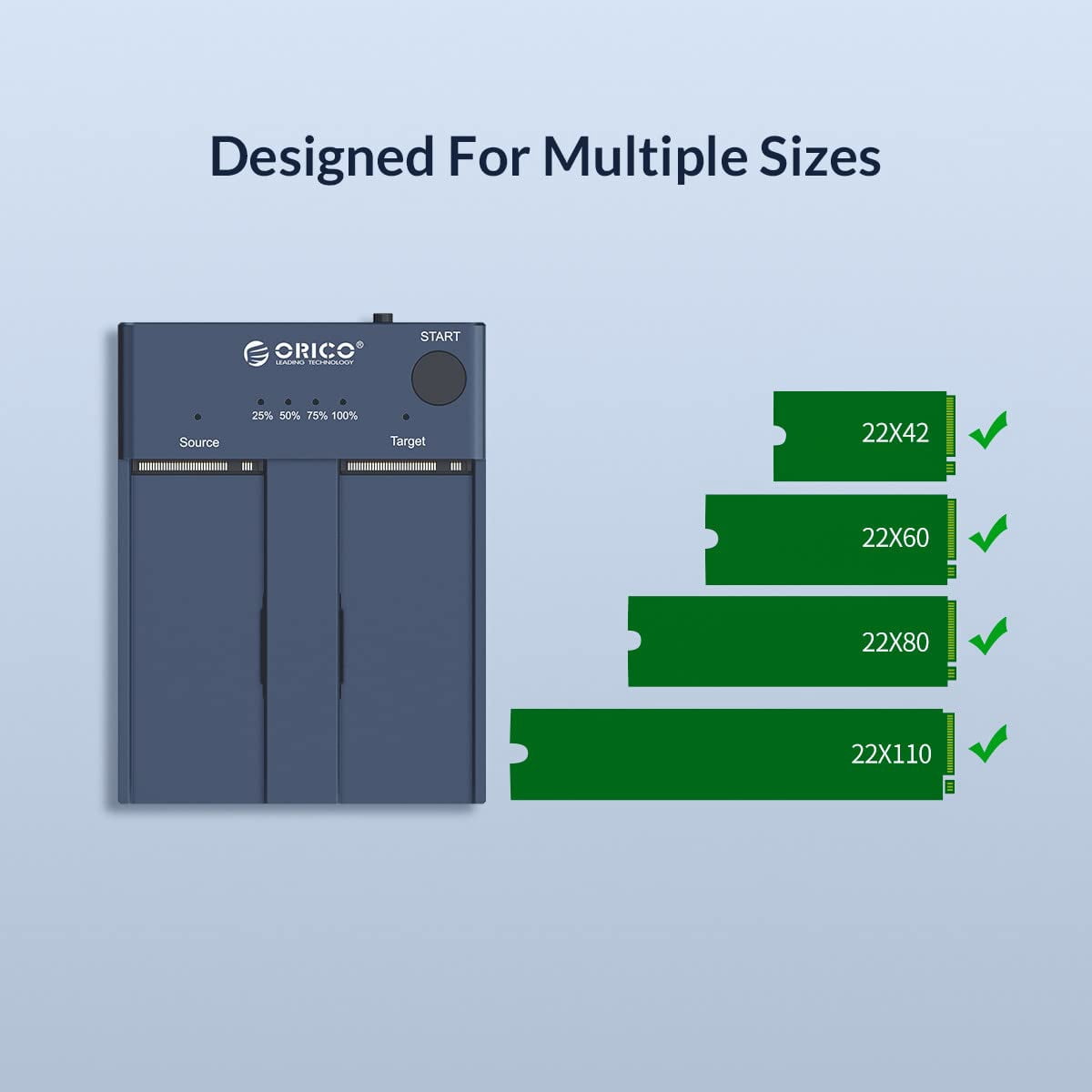
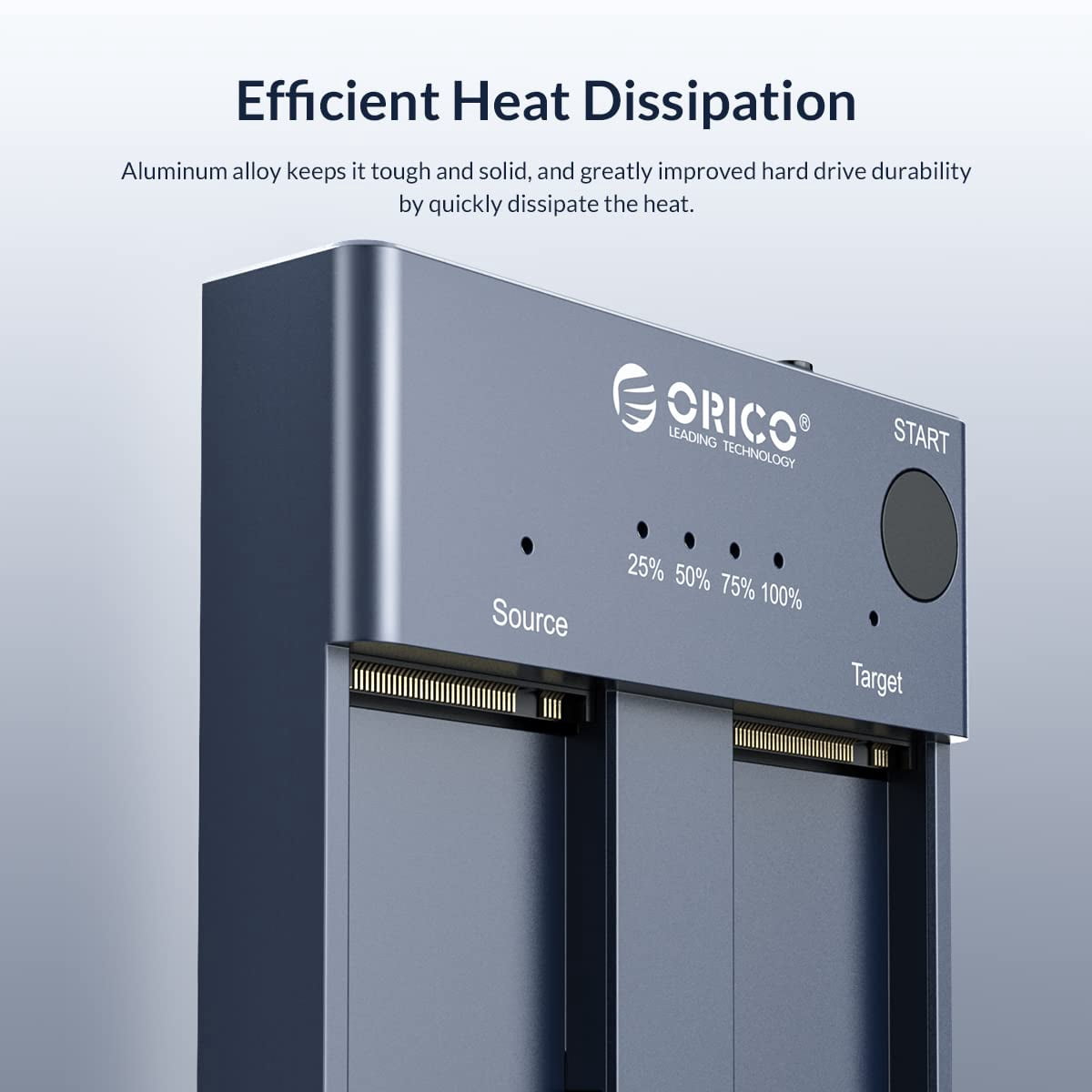
<p>Dear customer, if you have any questions after receiving the goods, please feel free to contact us. We will reply to you as soon as possible within 24 hours and we will be happy to serve you.</p> <p>Note: We send the US standard by default, if you need other specifications can contact us to send you other specifications. The plug of our products can be changed, you can contact us.</p> <p><b>Note:This product does not come with a hard disk</b></p> <p>🔔 Note:<br>Newly purchased hard drives must be formatted before use.<br>Format during backup<br>How to format hard drive?<br>(1) Right-click this computer and select Manage.<br>(2) Click to enter disk management.<br>(3) Right-click the drive letter you want to format and select "Format".<br>(4) Finally, select the option to perform a quick format and click OK.</p> <p>ORICO has focused on electronic products for 13 years, and has a mature industrial chain and the ability to innovate with The Times. We are committed to providing you with the best quality and most suitable products.<br><br></p> <p>ORICO M.2 NVMe SSD Duplicator Cloner Dual Bay Docking Station<br><br></p> <p>Offline Cloning Operating Instructions:<br>Step 1<br>Insert the two M2. NVMe SSDs into target and source slots.<br>Note: Target SSD Capacity>Source SSD Capacity.<br>Step 2<br>Connect the power adapter to the tool-free dual NVMe dock.<br>Hold the clone button for 10-15 seconds until LED indicator begins to flash.<br>Step 3<br>The indicator light will show the copy progress (25% -50% -75% -100%).<br>When the clone is completed, the 4 LED lights will always be on.</p> <p>Attention:<br>1. Do not use a USB cable to connect to the computer during the cloning process.<br>2. If there are bad sectors in the SSD, copying may stop. Before copying, scan the SSD to make sure there are no bad sectors.<br>3. Please back up the data on the target disk before copying to avoid losing important data.<br>4. Make sure the computer recognizes both SSD disks when plugged into our nvme enclosure. If not, you cannot clone</p> <p>Main Features:<br>1. High-Speed Data Transfer: The ORICO external NVMe SSD docking station utilizes USB 3.2 Gen 2 (USB-C) to achieve data transmission speeds of up to 10Gbps.<br>2. One-Key Offline Cloning: Supports direct data transfer from Disk 1 to Disk 2 without the need for a computer, enabling quick and easy data duplication.<br>3. Efficient Heat Dissipation: Constructed from aluminum alloy, the M.2 SSD enclosure effectively absorbs heat for improved heat dissipation.<br>4. User-Friendly Design: Offers Plug & Play functionality and hot-swapping support, allowing easy installation with no driver required.<br>5. Broad Compatibility: Works with Windows, macOS, and Linux; supports dual SSD recognition with a maximum single SSD capacity of 4TB. Specifically designed for M Key M.2 NVMe PCIe SSDs (2242/2260/2280/22110 sizes), but not compatible with SATA-based SSDs or mSATA SSDs. <br><br></p> <p>Packing Content<br>. Product packaging box<br>. Instructions for use<br>. Power Adapter<br>. Warranty Card<br>. User manual</p> <p></p>
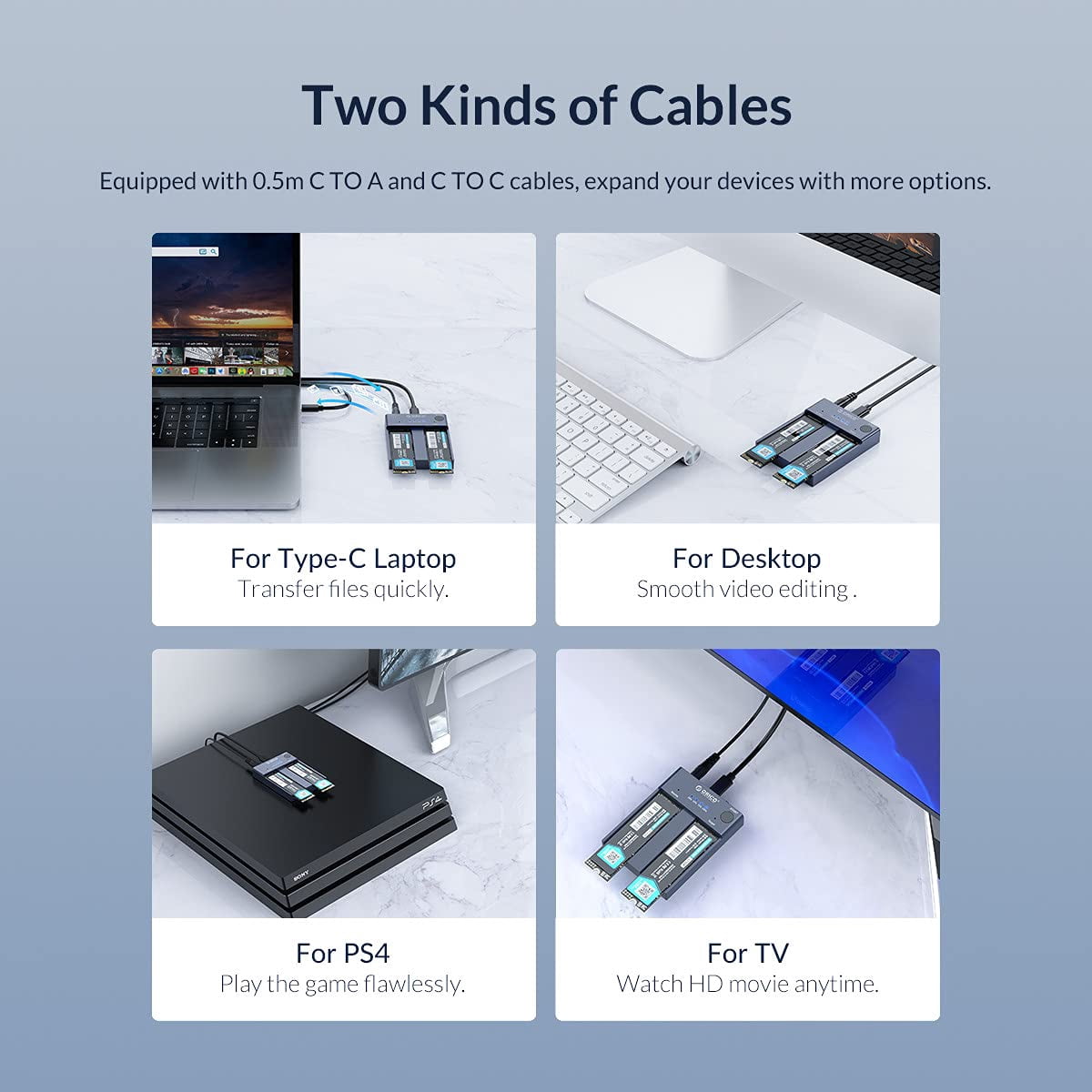
- PORTABLE EXTERNAL STORAGE: this M.2 NVMe cloner is specially designed for M Key NVMe PCIe SSD(22110/2280/ 2260/ 2242), Supports 2 M.2 NVMe hard disk reads and writes at the same time. Compatible with Windows/Mac/Linux, can be used to offline clone or to expand storage capacity by connecting PC , Laptop computers, smart TVs, PS4, XBOX and other devices.
- ONE-KEY OFFLINE CLONE: This dual-slot m.2 NVMe duplicator can not only be used as an external NVME SSD to expand your storage capacity, but also can be used for offline backup. No need to connect to a PC, just plug in and press the start button then you can back up your important data. LED indicator can monitor the SSDs' clone progress at any time. Note: please back up the data on the target disk before cloning to avoid losing important data.
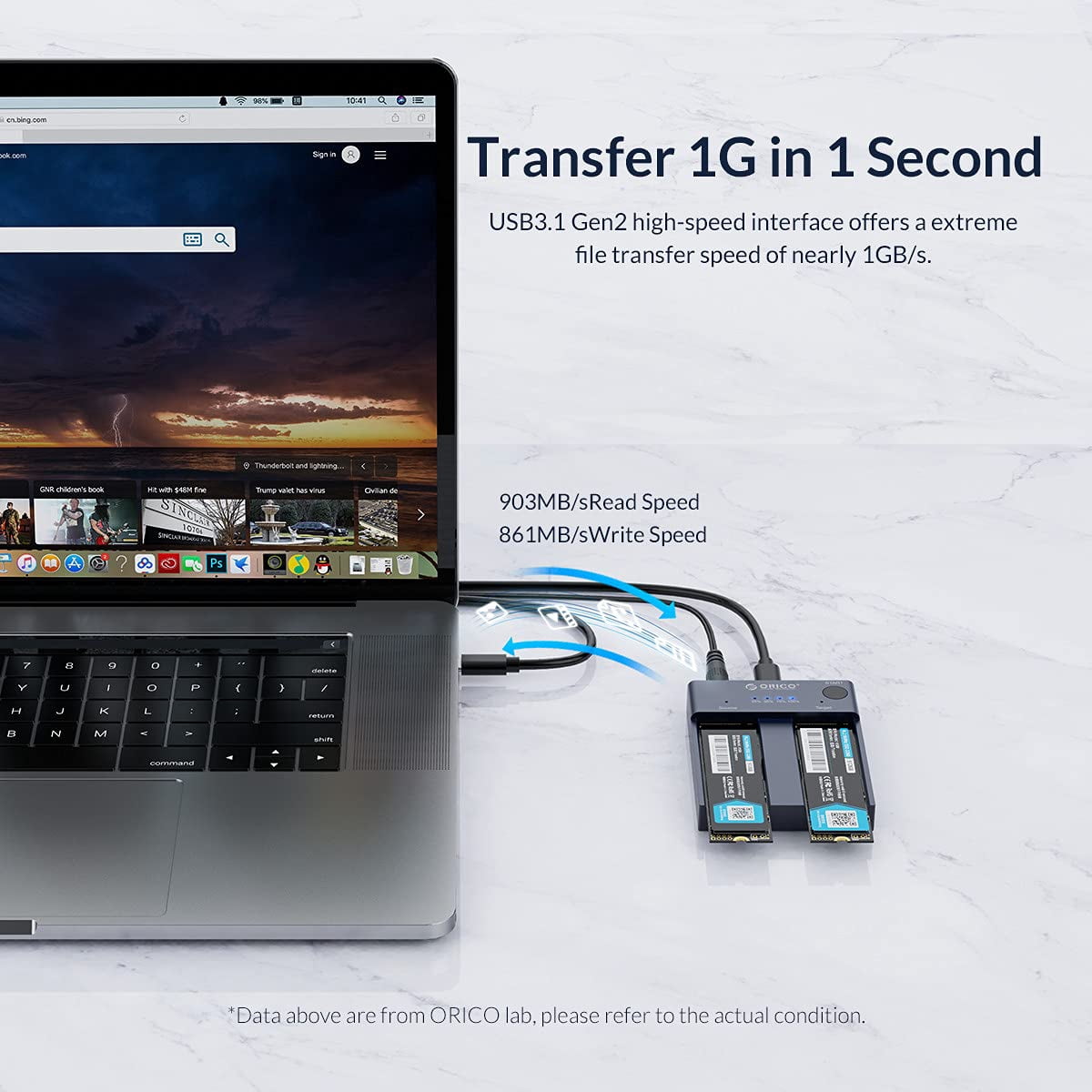
- 10GBP/S HIGH-SPEED: ORICO USB 3.2 Gen2 m.2 cloner docking station is equipped with C to C cable and C to A cable, giving you more choices. The fastest transmission speed can reach about 1000MB/S with C to C cable and about 500MB/S with C to A cable. At the same time, it supports UASP acceleration protocol which can make your NVME SSDs run more quickly and stably.
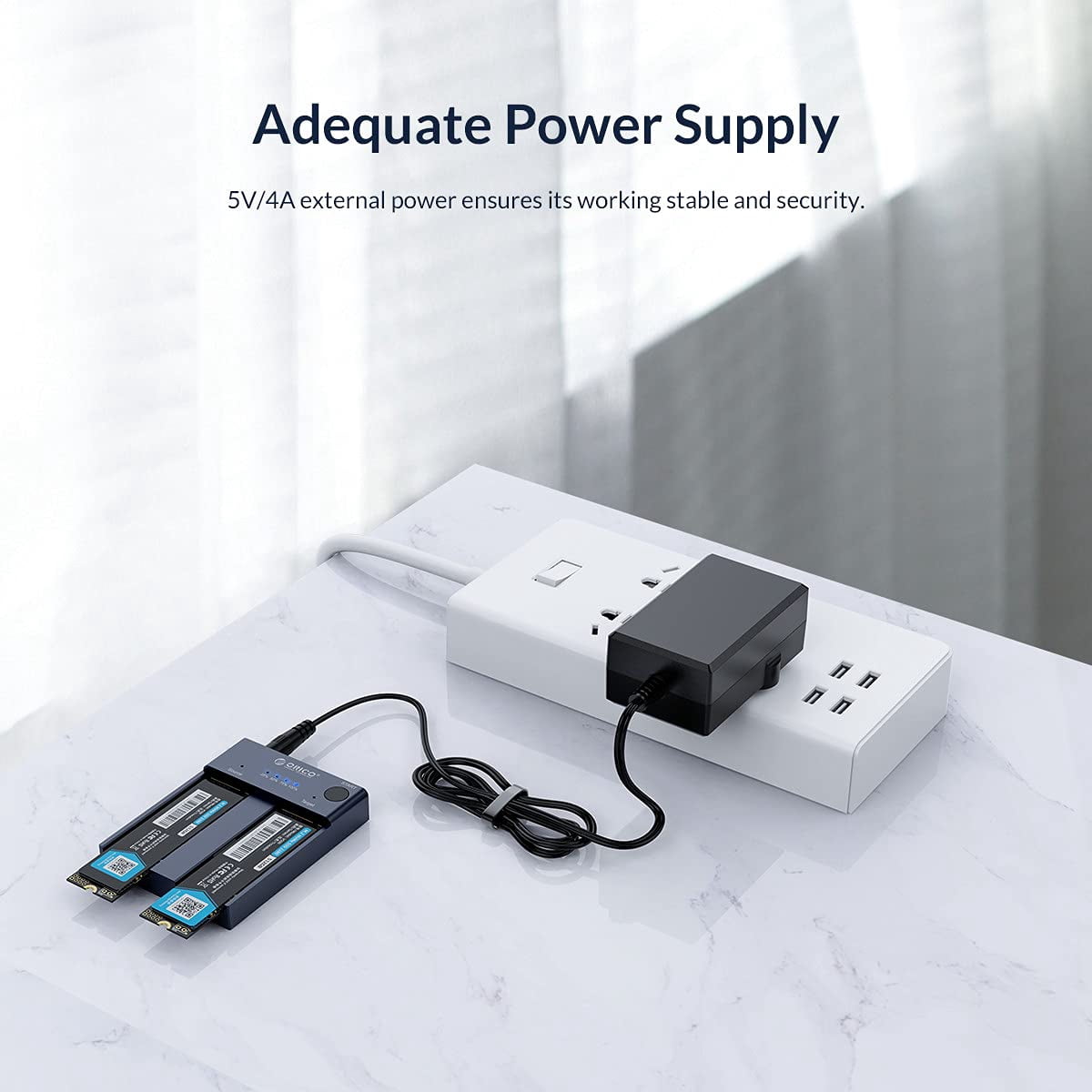
- EASY TO USE: ORICO Tool-Free nvme dock are very easy to use, no need any tools. They all support plug & play and hot swap, no drivers required. Except the SSDs, you do not need to prepare anything else, because the package contains all the accessories you need: two 0.5m data cables (A to C and C to C) and a 5V/4A power adapter.
- 12-MONTH-WORRY-FREE WARRANTY: ORICO M.2 external drive docking station will automatically go to sleep after 10 minutes of inactivity; the hard disk is not inclued in the package; ORICO offers 12-month warranty and lifetime email technical support. If you have any problems, please contact us, we will give you a satisfactory solution within 24 hours. NOTE: it is a normal phenomenon that all SSDs will overheat due to high speed. Please touch it carefully to avoid burns.
- ORICO offers a 12-month warranty.If you have any questions after purchase, please contact us. We will do our best to respond to your enquiry within 24 hours and give you a satisfactory answer
| HD capacity | 8 TB |
|---|---|
| HD type | M.2 NVMe SSD |
| Brand | ORICO |
| Internal/external | External |
| Interface type | USB 3.2 |
| Hard drive form factor | 2230 |
| Read speed | 1000MB/S |
| Write speed | 10Gbps |
| Model name | NVMe M.2 SSD Enclosure Clone Dual-Bay Offline Cloner Duplicator |
| Accessories | two 0.5m data cables (A to C and C to C) and a 5V, 4A power adapter |
| Height | 0.54 in |
| Weight | 0.01 oz |
| Compatibility | Windows, macOS, Linux |
| Multipack quantity | 1 |

Bestseller ranking
Computers


Customers who viewed this product also viewed
Legal System




Correction of product information
If you notice any omissions or errors in the product information on this page, please use the correction request form below.
Correction Request Form